Follows the lid.
Reads your MacBook’s lid‑angle sensor, so the effect moves as you do.
iPhone Duo, meet your MacBook.
iPhone Duo, but make it your MacBook’s screen.
Close the lid. Watch your desktop bend.
Not yet notarized by Apple, so macOS asks once to approve it. Install steps.
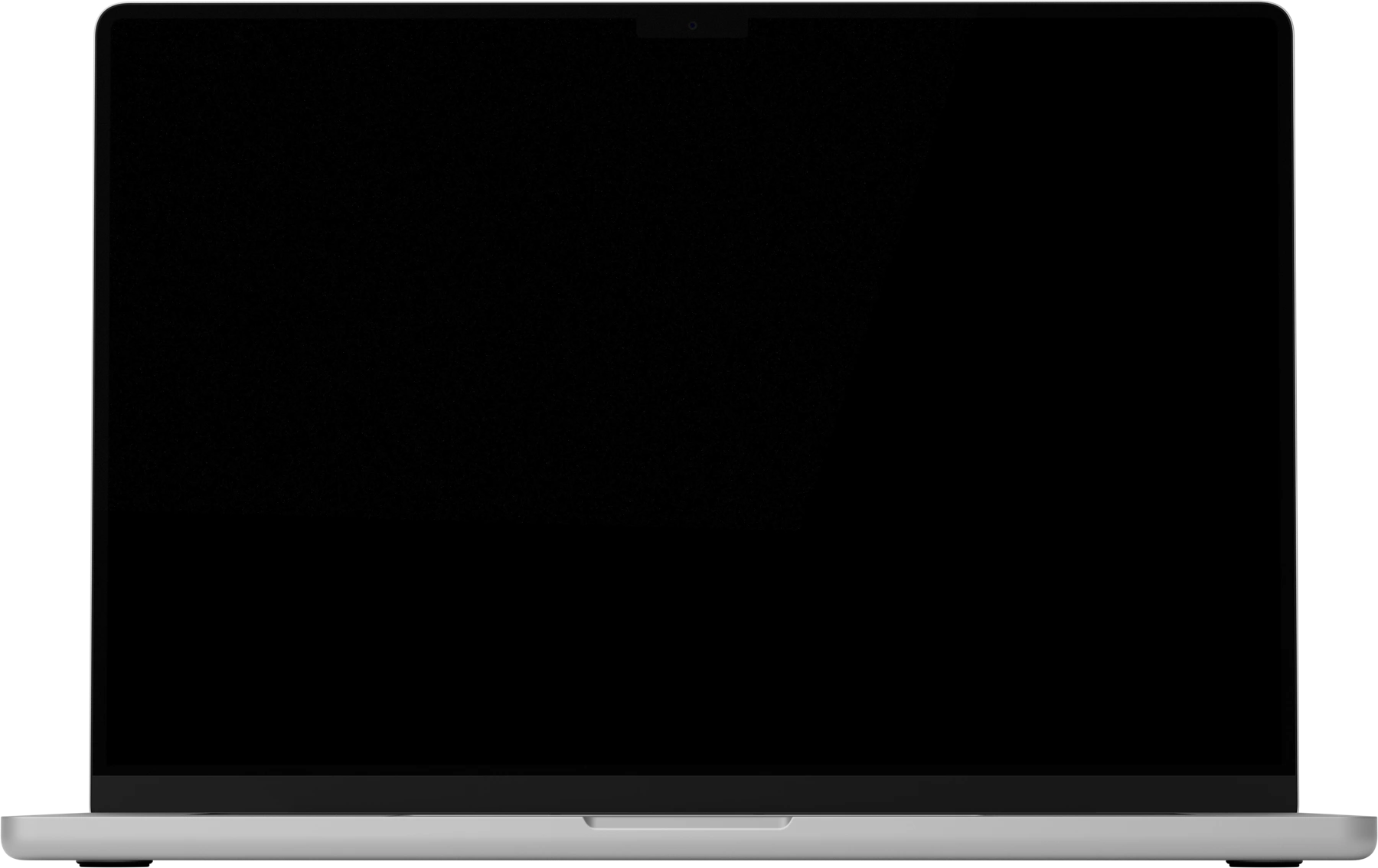
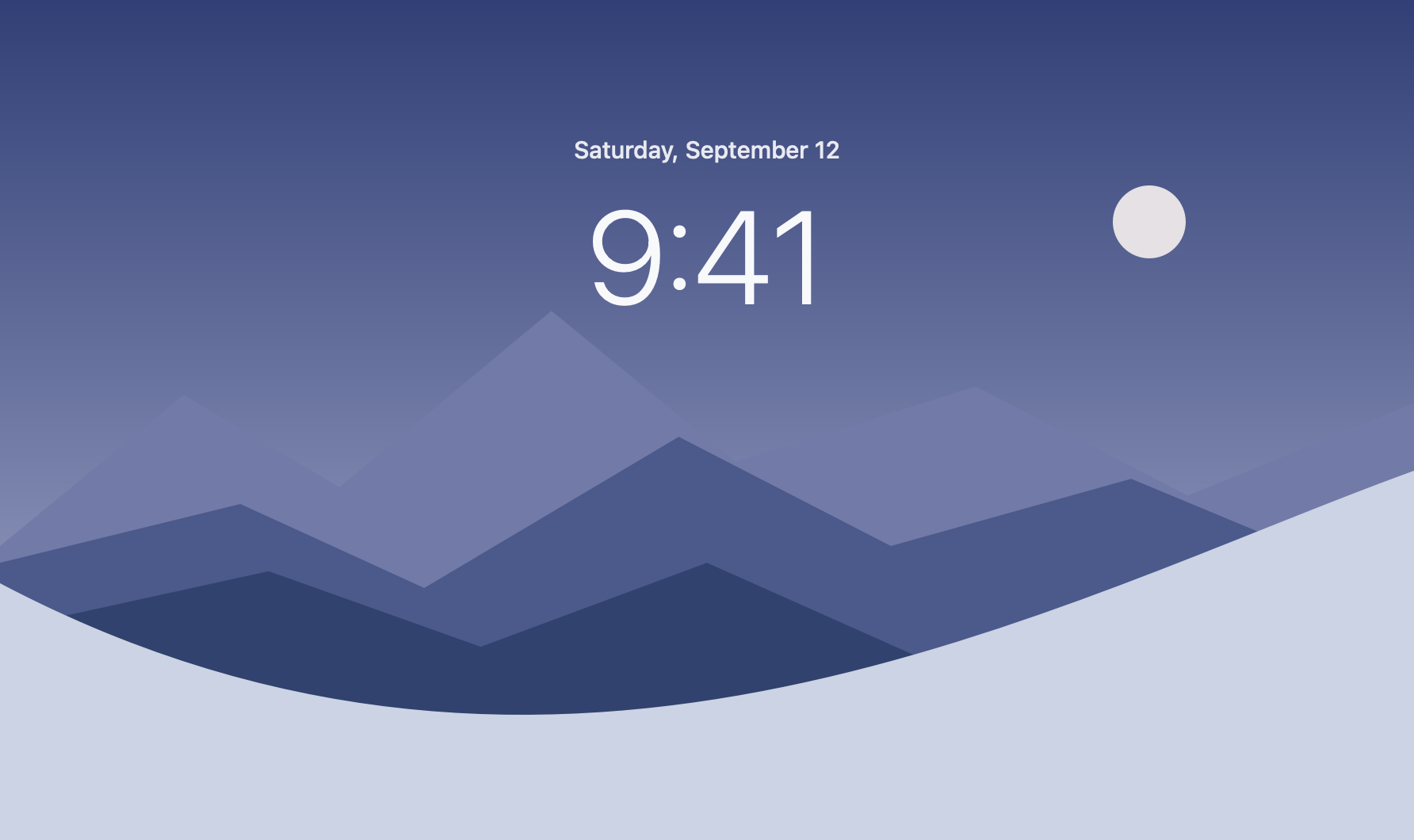
Scroll to close the lid, or drag the slider.Drag the slider or press play.
THE IDEA
iPhone Duo bends its screen at the hinge. Your MacBook has one too. Hinge gives the lid the same instinct: lower it, and the desktop leans away, softens, and settles back when you open up.
Reads your MacBook’s lid‑angle sensor, so the effect moves as you do.
Duo, Soft, or Deep. Tune the perspective, blur, and where it begins.
A native Mac app. Pause it with one click.
Pick a look, drag the angle, or let the lid drive.
The preview below is Hinge’s own renderer, running here.
A little depth. Every time you open your Mac.
Walkthrough coming soon.
macOS 14 or later and an Apple silicon MacBook with a lid‑angle sensor. Built‑in display only.
Hinge draws your live desktop, so it needs to see it. Frames stay in memory on the GPU and are never saved. Pause or revoke it any time.
No. Hinge makes no network requests, and has no account or analytics.
Buy once for US$4.99. When Stripe confirms payment, your download unlocks. This early build needs a one‑time approval in Privacy & Security. Install guide.

Give your desktop some depth.